Home › Collections › Saas
Recurring Collections Infrastructure for Subscription Businesses
UPI Autopay & eNACH mandate-based subscription collections — go live in 48 hours, with a dedicated account manager and custom coverage.

Home › Collections › Saas
Recurring Collections Infrastructure for Subscription Businesses
UPI Autopay & eNACH mandate-based subscription collections — go live in 48 hours, with a dedicated account manager and custom coverage.
Home › Collections › Saas
Recurring Collections Infrastructure for Subscription Businesses
UPI Autopay & eNACH mandate-based subscription collections — go live in 48 hours, with a dedicated account manager and custom coverage.
Trade Credit with the Right Infrastructure
Trade Credit with the Right Infrastructure
Higher Collections Efficiency
Smart retry basis user balance, preventing debit failure

Go-Live in 48 Hours
Simple API integrations and support to get you collecting fast

Custom Collection Workflows
Build custom recovery strategies for your varied portfolio

24/7 Account Manager
We wont let you get blocked for minor issues. Dedicated support at all times

On Time Settlements
Timely settlements on T+1 to keep your operations smooth
Built for every recurring revenue model
Built for SaaS platforms to D2C startups, OTT & services companies. One collections stack for recurring billing depth
Indian Businesses collect with RocketPay
MSMEs served
MSMEs served
Worth of mandates created
Worth of mandates created
Transactions created
Transactions created
Transactions created
Deploy RocketPay Your Way
Deploy RocketPay Your Way
Two ways to get started — pick what fits your team and technical setup
Two ways to get started — pick what fits your team and technical setup
API & SDK
Integrate RocketPay directly into LMS/LOS. Full control over mandate creation, collection scheduling & status tracking
For LMS/LOS integrations
Webhooks and mandate status APIs
Real-time debit status and retry hooks
Works with your existing PSP
Go live in 48 hours

Android App
Quick onboarding for smaller lenders or hybrid field teams. Create mandates and track collections on the go
No API integration needed
Mandate creation from mobile
Real-time collection status
Ideal for field officers and smaller NBFCs
Go live in 48 hours
API & SDK
Integrate RocketPay directly into LMS/LOS. Full control over mandate creation, collection scheduling & status tracking
For LMS/LOS integrations
Webhooks and mandate status APIs
Real-time debit status and retry hooks
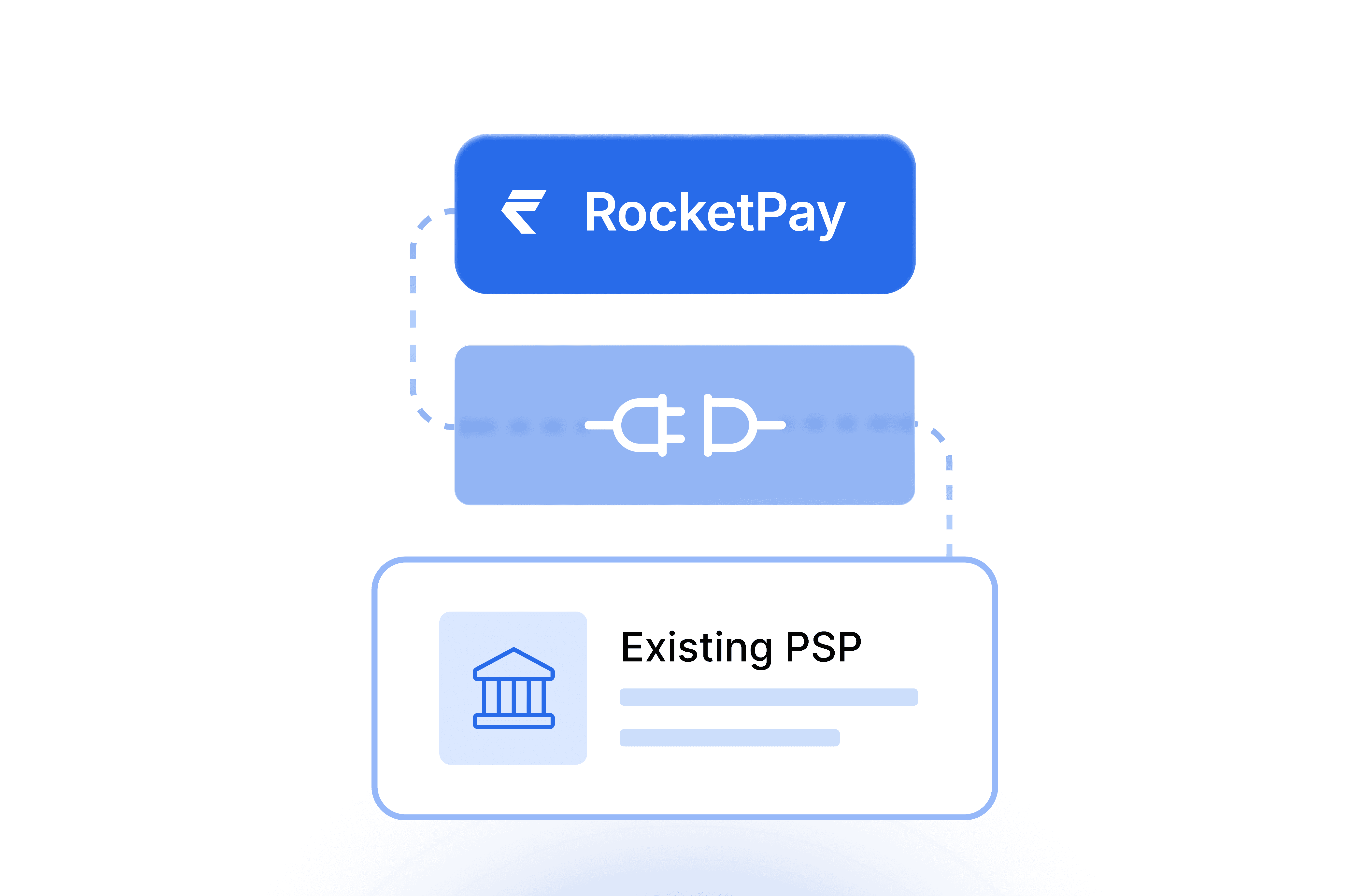
Works with your existing PSP
Go live in 48 hours
Android App
Quick onboarding for smaller lenders or hybrid field teams. Create mandates and track collections on the go
No API integration needed
Mandate creation from mobile
Real-time collection status
Ideal for field officers and smaller NBFCs
Go live in 48 hours
Got questions?
We’ve got answers.
Still have questions?
Contact us and we’ll help you out.
01
What is a mandate?
A mandate is a one-time permission your customer gives you to collect payments automatically on a scheduled date. They approve it once — through UPI Autopay or eNACH, which are NPCI's systems for automated recurring payments — and every collection after that happens without any follow-up needed from either side.
01
What is a mandate?
A mandate is a one-time permission your customer gives you to collect payments automatically on a scheduled date. They approve it once — through UPI Autopay or eNACH, which are NPCI's systems for automated recurring payments — and every collection after that happens without any follow-up needed from either side.
02
How does RocketPay automate mandate-based collections?
Once a mandate is registered, RocketPay handles the full collection lifecycle automatically. On the due date, a debit instruction is triggered via UPI Autopay or eNACH. Intelligent retry ensures maximum recovery. Every attempt, status change, and settlement is logged in real time — accessible via dashboard or API webhook.
02
How does RocketPay automate mandate-based collections?
Once a mandate is registered, RocketPay handles the full collection lifecycle automatically. On the due date, a debit instruction is triggered via UPI Autopay or eNACH. Intelligent retry ensures maximum recovery. Every attempt, status change, and settlement is logged in real time — accessible via dashboard or API webhook.
03
Which banks and UPI apps support UPI AutoPay mandate registration?
Any NPCI-registered UPI app and bank supports UPI AutoPay mandate registration — including PhonePe, Google Pay, Paytm, BHIM, WhatsApp Pay, Amazon Pay, and all major bank-native apps. For the complete and updated list, visit the official NPCI page.
03
Which banks and UPI apps support UPI AutoPay mandate registration?
Any NPCI-registered UPI app and bank supports UPI AutoPay mandate registration — including PhonePe, Google Pay, Paytm, BHIM, WhatsApp Pay, Amazon Pay, and all major bank-native apps. For the complete and updated list, visit the official NPCI page.
04
What instruments can customers use to authenticate an eNACH mandate?
The three most common eNACH mandate authentication methods are — Net Banking, Debit Card, and Aadhaar OTP. Available methods vary by bank.
04
What instruments can customers use to authenticate an eNACH mandate?
The three most common eNACH mandate authentication methods are — Net Banking, Debit Card, and Aadhaar OTP. Available methods vary by bank.
05
What is the per-transaction limit for UPI Autopay and eNACH collections?
UPI Autopay supports collections up to ₹15,000 per transaction. eNACH supports up to ₹1 crore per transaction. The mandate itself carries no amount cap.
05
What is the per-transaction limit for UPI Autopay and eNACH collections?
UPI Autopay supports collections up to ₹15,000 per transaction. eNACH supports up to ₹1 crore per transaction. The mandate itself carries no amount cap.
06
What do the different mandate statuses mean?
Pending — Link sent, not approved yet. Active — Approved. Collections run automatically. Paused — Temporarily paused. Finished — Tenure completed. Cancelled — Cancelled. No further debits. Expired — Not approved in time.
06
What do the different mandate statuses mean?
Pending — Link sent, not approved yet. Active — Approved. Collections run automatically. Paused — Temporarily paused. Finished — Tenure completed. Cancelled — Cancelled. No further debits. Expired — Not approved in time.
07
Can collections happen after a mandate is finished or cancelled?
No. Once a mandate is finished or cancelled, no further debits are possible. A new mandate must be created.
07
Can collections happen after a mandate is finished or cancelled?
No. Once a mandate is finished or cancelled, no further debits are possible. A new mandate must be created.
08
Does a customer need to approve each collection separately?
No. A mandate requires only one-time authorisation. All subsequent collections happen automatically — no OTP, no PIN.
08
Does a customer need to approve each collection separately?
No. A mandate requires only one-time authorisation. All subsequent collections happen automatically — no OTP, no PIN.
09
Is KYC required to start using RocketPay?
Yes — your business needs a one-time KYC as part of onboarding. No KYC is required from your end customers.
09
Is KYC required to start using RocketPay?
Yes — your business needs a one-time KYC as part of onboarding. No KYC is required from your end customers.
10
How long does settlement take after a successful collection?
Settlement happens on T+1 — funds are credited to your account on the next business day after a successful collection.
10
How long does settlement take after a successful collection?
Settlement happens on T+1 — funds are credited to your account on the next business day after a successful collection.
