Home › Collections › MFIs
Collections Infrastructure for Microfinance Institutions
UPI Autopay & eNACH mandate-based loan collections — higher collection efficiency, go live in 48 hours, with a dedicated account manager.

Home › Collections › MFIs
Collections Infrastructure for Microfinance Institutions
UPI Autopay & eNACH mandate-based loan collections — higher collection efficiency, go live in 48 hours, with a dedicated account manager.
Microfinance Collections with the Right Infrastructure
Microfinance Collections with the Right Infrastructure
Higher Collections Efficiency
Smart retry basis user balance, preventing debit failure

Go-Live in 48 Hours
Simple API integrations and support to get you collecting fast

Custom Collection Workflows
Build custom recovery strategies for your varied portfolio

24/7 Account Manager
We wont let you get blocked for minor issues. Dedicated support at all times

On Time Settlements
Timely settlements on T+1 to keep your operations smooth
Built for every microfinance model
One collections stack for high-frequency field operations. Built for NBFC-MFIs to group lending models
Indian Lenders trust RocketPay
Lenders served
Lenders served
Loan collection mandates created
Loan collection mandates created
Transactions created
Transactions created
Transactions created
Deploy RocketPay Your Way
Deploy RocketPay Your Way
Two ways to get started — pick what fits your team and technical setup
Two ways to get started — pick what fits your team and technical setup
API & SDK
Integrate RocketPay directly into LMS/LOS. Full control over mandate creation, collection scheduling & status tracking
For LMS/LOS integrations
Webhooks and mandate status APIs
Real-time debit status and retry hooks
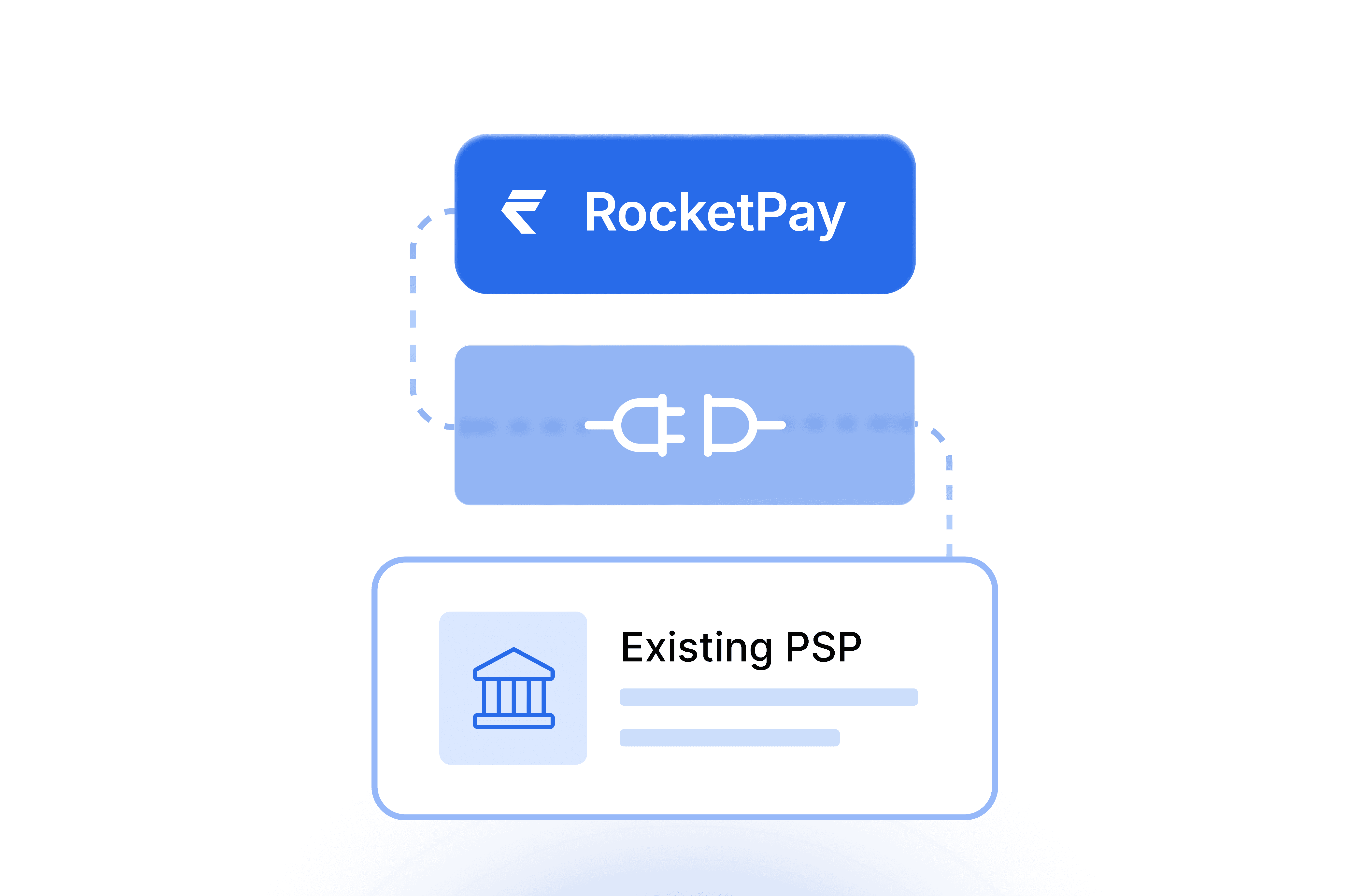
Works with your existing PSP
Go live in 48 hours

Android App
Quick onboarding for smaller lenders or hybrid field teams. Create mandates and track collections on the go
No API integration needed
Mandate creation from mobile
Real-time collection status
Ideal for field officers and smaller NBFCs
Go live in 48 hours
API & SDK
Integrate RocketPay directly into LMS/LOS. Full control over mandate creation, collection scheduling & status tracking
For LMS/LOS integrations
Webhooks and mandate status APIs
Real-time debit status and retry hooks
Works with your existing PSP
Go live in 48 hours
Android App
Quick onboarding for smaller lenders or hybrid field teams. Create mandates and track collections on the go
No API integration needed
Mandate creation from mobile
Real-time collection status
Ideal for field officers and smaller NBFCs
Go live in 48 hours
Got questions?
We’ve got answers.
Still have questions?
Contact us and we’ll help you out.
01
How does RocketPay automate mandate-based collections?
Once a mandate is registered, RocketPay handles the full collection lifecycle automatically. On the due date, a debit instruction is triggered via UPI Autopay or eNACH. If the debit fails, AA-based partial recovery fetches available balance and recovers what is present. Non-cancellable mandates and intelligent retry ensure maximum credit recovery. Every attempt, status change, and settlement is logged in real time — accessible via dashboard or API webhook.
01
How does RocketPay automate mandate-based collections?
Once a mandate is registered, RocketPay handles the full collection lifecycle automatically. On the due date, a debit instruction is triggered via UPI Autopay or eNACH. If the debit fails, AA-based partial recovery fetches available balance and recovers what is present. Non-cancellable mandates and intelligent retry ensure maximum credit recovery. Every attempt, status change, and settlement is logged in real time — accessible via dashboard or API webhook.
02
Which banks and UPI apps support UPI AutoPay mandate registration?
Any NPCI-registered UPI app and bank supports UPI AutoPay mandate registration — including PhonePe, Google Pay, Paytm, BHIM, WhatsApp Pay, Amazon Pay, and all major bank-native apps. The mandate is registered against the customer's VPA handle. For the complete and updated list of supported banks and PSP apps, visit the official NPCI page.
02
Which banks and UPI apps support UPI AutoPay mandate registration?
Any NPCI-registered UPI app and bank supports UPI AutoPay mandate registration — including PhonePe, Google Pay, Paytm, BHIM, WhatsApp Pay, Amazon Pay, and all major bank-native apps. The mandate is registered against the customer's VPA handle. For the complete and updated list of supported banks and PSP apps, visit the official NPCI page.
03
What instruments can customers use to authenticate an eNACH mandate?
The three most common eNACH mandate authentication methods are — Net Banking, Debit Card, and Aadhaar OTP. Some banks additionally support PAN-based authentication, and a few offer Customer ID-based authentication via their own portal. Available methods vary by bank. For the complete list of supported banks and their authentication options, visit the official NPCI page.
03
What instruments can customers use to authenticate an eNACH mandate?
The three most common eNACH mandate authentication methods are — Net Banking, Debit Card, and Aadhaar OTP. Some banks additionally support PAN-based authentication, and a few offer Customer ID-based authentication via their own portal. Available methods vary by bank. For the complete list of supported banks and their authentication options, visit the official NPCI page.
04
What is the per-transaction limit for UPI Autopay and eNACH collections?
These limits apply per debit — not per mandate. UPI Autopay supports collections up to ₹15,000 per transaction. eNACH supports up to ₹1 crore per transaction. The mandate itself carries no amount cap — it simply authorises future debits on the schedule you set. For portfolios where each collection exceeds ₹15,000, eNACH is the appropriate instrument.
04
What is the per-transaction limit for UPI Autopay and eNACH collections?
These limits apply per debit — not per mandate. UPI Autopay supports collections up to ₹15,000 per transaction. eNACH supports up to ₹1 crore per transaction. The mandate itself carries no amount cap — it simply authorises future debits on the schedule you set. For portfolios where each collection exceeds ₹15,000, eNACH is the appropriate instrument.
05
What do the different mandate statuses mean?
Pending — The mandate link has been sent to your customer, but it is not approved yet. No collections will happen until your customer authorises the mandate. Active — Your customer has approved the mandate. Collections will run automatically on the scheduled dates. Paused — The mandate is active but temporarily paused. No future debits will be attempted until the mandate is unpaused or resumed. Finished — The mandate has completed its full tenure. No further debits will occur. Cancelled — The mandate has been cancelled. No further debits will occur. Expired — The mandate link was not approved within the validity window and has lapsed. You will need to send a new mandate request to the customer.
05
What do the different mandate statuses mean?
Pending — The mandate link has been sent to your customer, but it is not approved yet. No collections will happen until your customer authorises the mandate. Active — Your customer has approved the mandate. Collections will run automatically on the scheduled dates. Paused — The mandate is active but temporarily paused. No future debits will be attempted until the mandate is unpaused or resumed. Finished — The mandate has completed its full tenure. No further debits will occur. Cancelled — The mandate has been cancelled. No further debits will occur. Expired — The mandate link was not approved within the validity window and has lapsed. You will need to send a new mandate request to the customer.
06
Can collections happen after a mandate is either finished or cancelled?
No. Once a mandate is finished or cancelled, no further debits are possible against it. The mandate is permanently closed. If you need to start collections again, a new mandate must be created and approved by the customer.
06
Can collections happen after a mandate is either finished or cancelled?
No. Once a mandate is finished or cancelled, no further debits are possible against it. The mandate is permanently closed. If you need to start collections again, a new mandate must be created and approved by the customer.
07
Does a customer need to approve each collection separately?
No. A mandate requires only one-time authorisation. Once approved, all subsequent collections within the mandate happen automatically on the scheduled dates — no OTP, no PIN, no action required from either party.
07
Does a customer need to approve each collection separately?
No. A mandate requires only one-time authorisation. Once approved, all subsequent collections within the mandate happen automatically on the scheduled dates — no OTP, no PIN, no action required from either party.
08
Is KYC required to start using RocketPay?
Yes — your business will need to complete a one-time KYC verification as part of onboarding. This is a standard regulatory requirement for all businesses using payment infrastructure in India. No KYC is required from your end customers — they simply authenticate the mandate, and collections run from there.
08
Is KYC required to start using RocketPay?
Yes — your business will need to complete a one-time KYC verification as part of onboarding. This is a standard regulatory requirement for all businesses using payment infrastructure in India. No KYC is required from your end customers — they simply authenticate the mandate, and collections run from there.
09
How long does settlement take after a successful collection?
Settlement happens on T+1 — funds are credited to your account on the next business day after a successful collection. This applies to both UPI Autopay and eNACH. Settlement timing starts from when the debit is confirmed on the customer's account. You can track exact collection and settlement timestamps in real time from your RocketPay dashboard.
09
How long does settlement take after a successful collection?
Settlement happens on T+1 — funds are credited to your account on the next business day after a successful collection. This applies to both UPI Autopay and eNACH. Settlement timing starts from when the debit is confirmed on the customer's account. You can track exact collection and settlement timestamps in real time from your RocketPay dashboard.
